

Frequently Asked Questions
Account, password & theme
Resetting your password
Reset your password from the login screen, or through the password recovery email if you've forgotten it.
Account menu
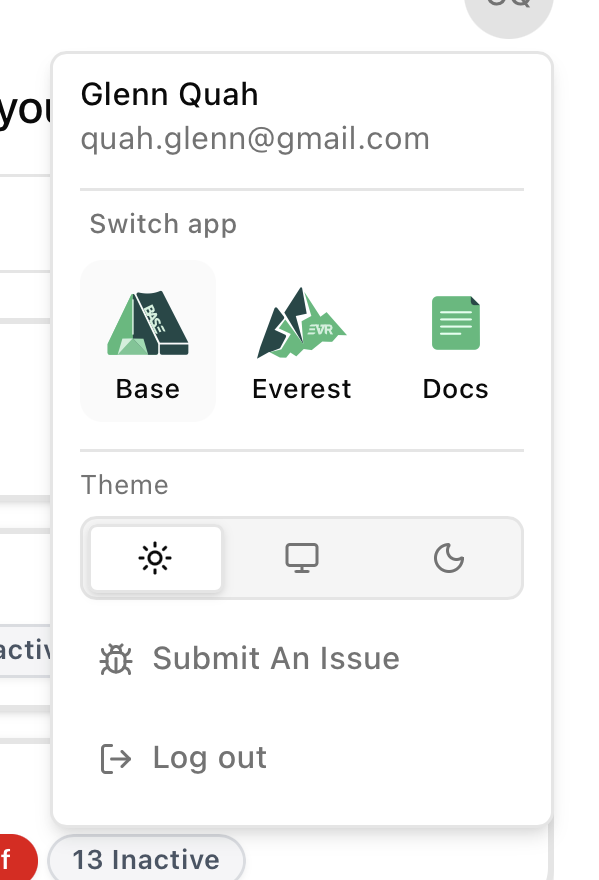
Tap your initials (top right) to open your account menu. From here you can:
- See your name and email.
- Switch the app theme between Light, System, and Dark.
- Switch app to Base, Everest, or Docs.
- "Submit An Issue" to report a problem.
- "Log out" of your account.
Signing in
You can sign in with your email and password, or with your Google or Microsoft account.
Switching apps
An app picker lets you jump to other Ecovolt apps — use it to navigate to the documentation or Everest.
Last modified on