

User Manual
Creating an Account
Once Base is set up, create your account so you can manage your devices.
🎥 Watch: Onboarding
- Open the Base app and tap "Get Started".
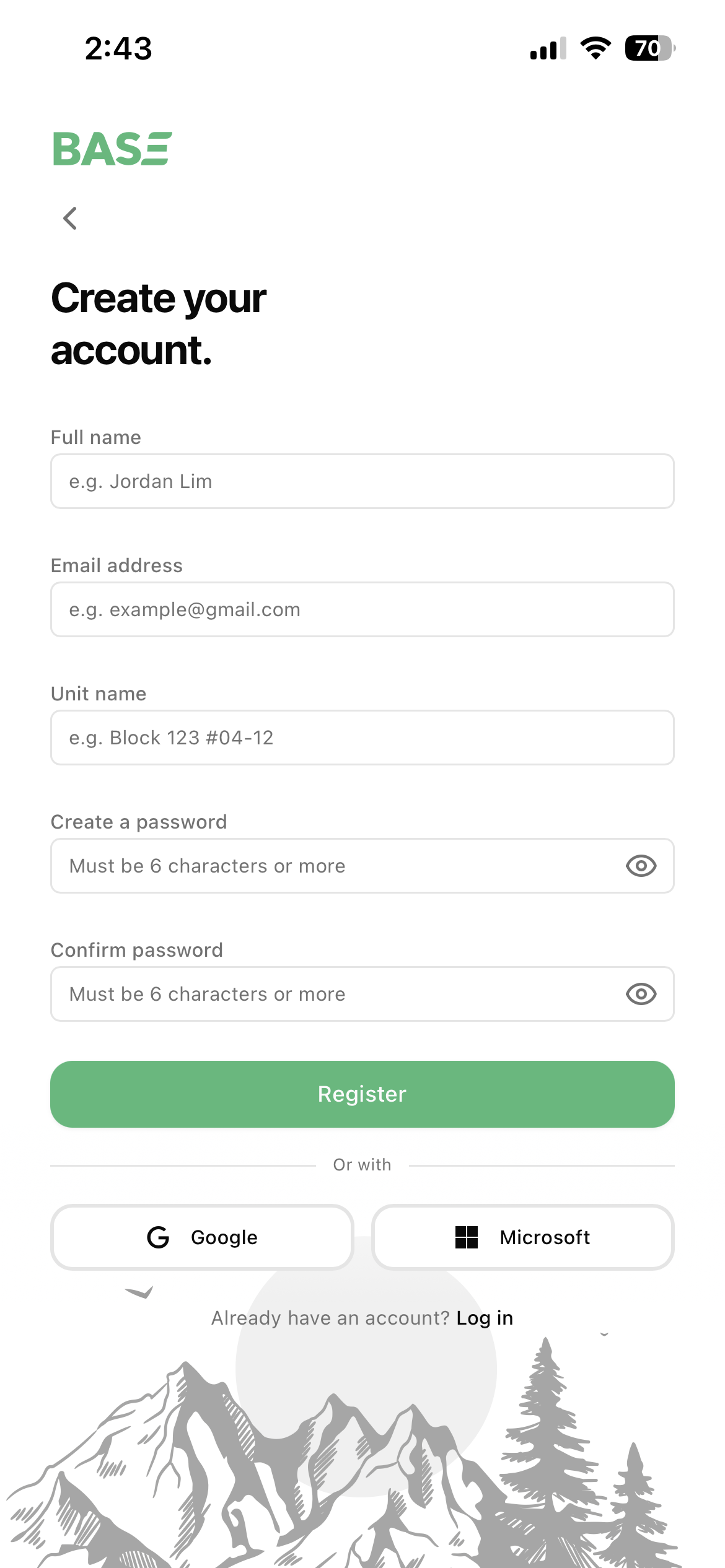
- Fill in your details: "Full name", "Email address", "Unit name" (e.g. Block 123 #04-12), and a password ("Create a password" + "Confirm password"). Then tap "Register".
- Alternatively, sign up or log in with your Google or Microsoft account to get started instantly.
Already have an account? Tap "Log in" and enter your email and password.
Next: Adding Plugs & Rooms
Last modified on