

Frequently Asked Questions
How do I report an issue?
If something isn't working, you can report it directly from the app.
- Tap your initials (top right) to open the account menu.
- Tap "Submit An Issue".
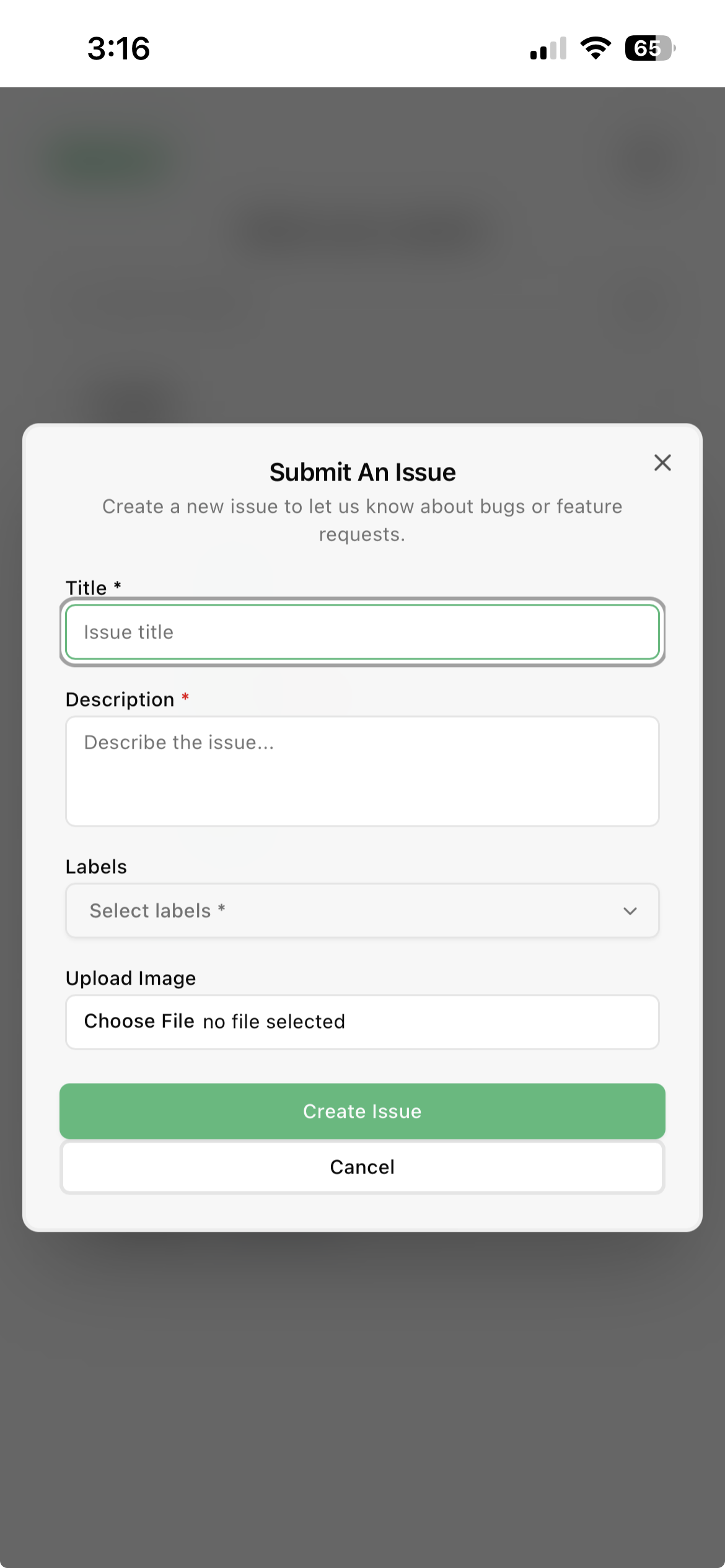
- Fill in the form — give your issue a short title, describe what happened and the steps that led to it, and add any other details that would help us reproduce it.
- Submit the form. Our team will follow up on your report.
The more detail you provide — what you were doing, which device, and what you expected — the faster we can help.
Last modified on